Geopolitics.online
← All changes

Fix ·

Map buttons no longer cover windows and the country view

The strike and map layer buttons stay out of the way in the country view and under windows.
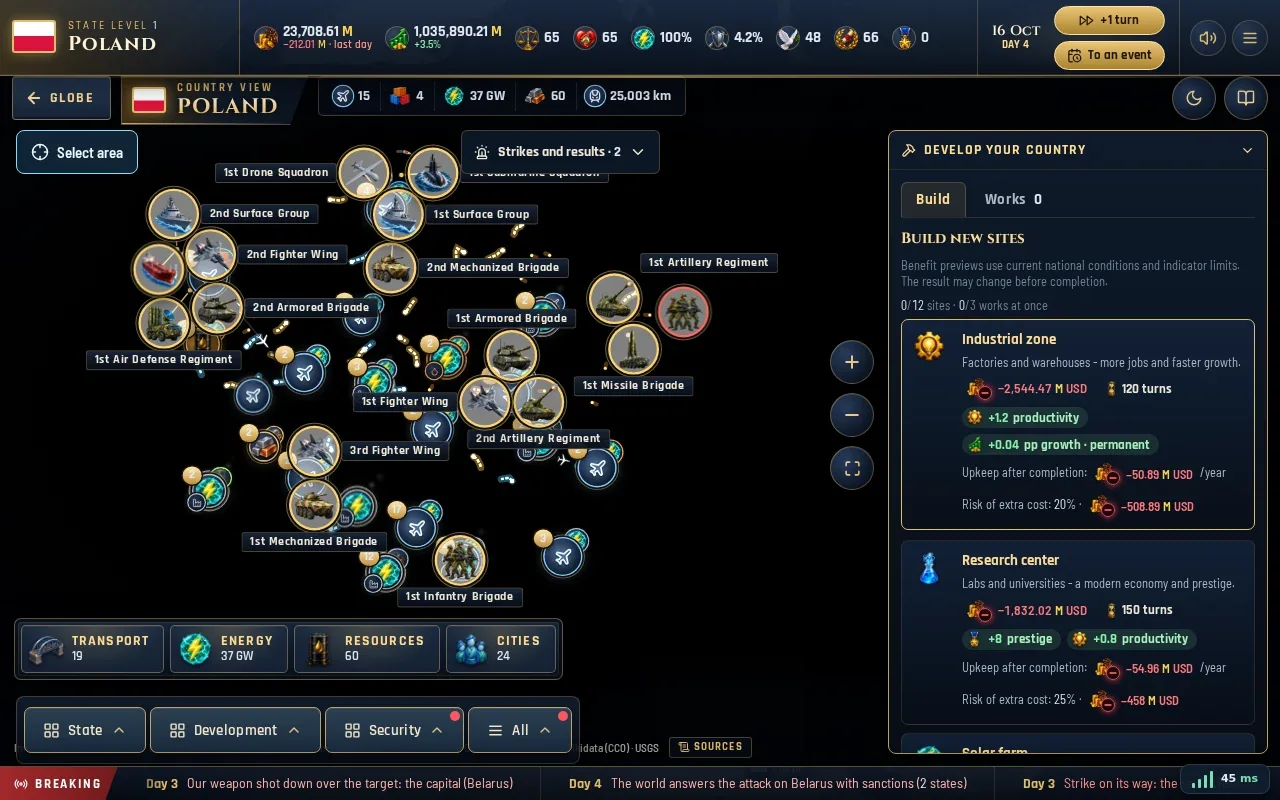
The country view on a desktop: the strike reports sit below the top bar, clear of the area selection, zoom buttons and the Develop your country panel

In the close-up view of a country, the map layer button with its legend and the strike reports could lie over the map, the Develop your country panel and other buttons. Map layers now appear only on the globe. On a phone the country view ends above the strike button and the menu; on a computer the strike reports sit below the top bar, between the area selection and the zoom buttons. Open windows always cover these buttons.
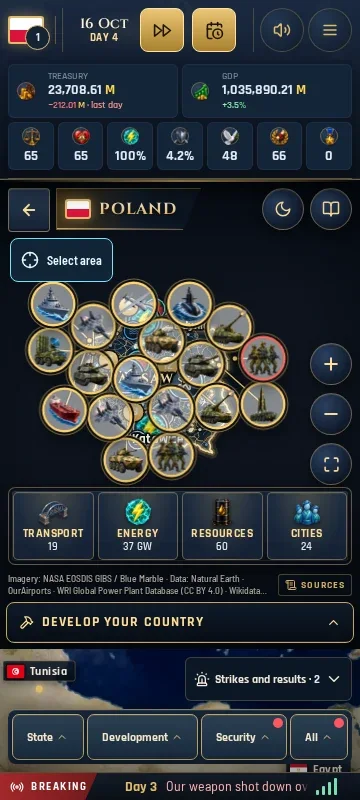
The country view on a phone ends above the strike button and the menu, so Develop your country stays fully visible; the map layer button is gone here